Static Dread: The Submarine System Requirements
Will the Ares run? Official Steam lines, not guesswork.
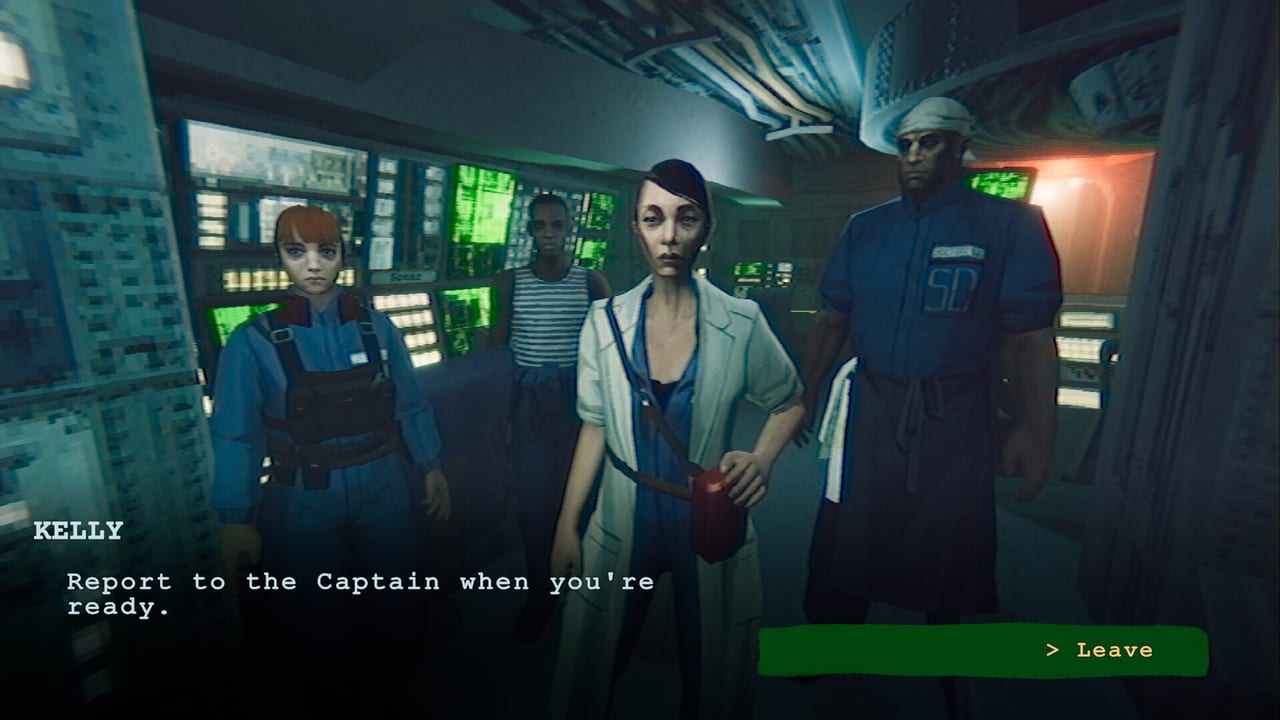
Static Dread: The Submarine is a Windows-only launch. Steam and GOG both list the same modest spec. This page copies those lines so you can decide before a refund window closes. The game released 14 August 2026 as a single-player title with full controller support, Steam Cloud, and Family Sharing. There is no native Mac or Linux build in the store API snapshot we used for this wiki.
If you already run it, skip to Getting Started. If you are still on the fence, pair this page with the review and launch notes.
Minimum (official)
- OS: Windows 10 or newer (store text also says “Windows OS”)
- CPU: Intel Core i3 or analogue
- RAM: 4 GB
- GPU: GeForce 1050 or analogue
- Storage: 3 GB available space
- Input: keyboard and mouse; controller supported
That is a 2016-era 1050. The presentation is deliberately limited — PSX-leaning models, tight corridors, sonar UI — so the minimum is believable. 4 GB RAM is tight on a modern Windows install. Close overlays if you hitch.
Recommended (official)
- OS: Windows
- CPU: Intel Core i7 or analogue
- RAM: 16 GB
- GPU: GeForce 1070 Ti or analogue
- Storage: 3 GB
A 1070 Ti is still last-last generation. If you own anything above that, you are not blocked by GPU. Disk is tiny; the boat is not a 100 GB shooter.
Steam Deck, GOG, and controllers
Steam lists full controller support and PlayStation pad notes. Deck play is a community question, not an official verified badge in every listing. Expect fine performance on Deck-class hardware because the spec is low; expect menuing to be better on a mouse when you slam through the crew roster.
GOG is the DRM-free copy with the same requirements. Cloud and achievements there depend on optional Galaxy. Story and sonar do not.
Practical advice
- You do not need ray tracing. There is none to turn on.
- Prioritize a working audio setup. This game’s dread is in voice and hull noise more than draw distance. The review repeats that for a reason.
- If sonar minigames stutter, cap FPS or enable the in-game sync option mentioned on Controls.
- Laptop iGPUs below 1050-class will struggle. The store did not promise them.
This is not a living benchmark database. When solarsuit.games or Polden change the store table, we will note it on the Updates Hub. Until then, trust the 1050 / 1070 Ti pair and the 3 GB install.
Buy if your machine clears minimum and you want the Ares. Do not buy a new GPU for this title. Spend that money on headphones, then go read sonar so the hardware is not wasted on mis-tagged whales.
For trophies after it runs, achievements. For toys, collectibles. For the first leak, how to survive.
Cloud saves on Steam are the reason you should not keep a single brutal file as your only copy. Family Sharing means someone else on the account can sit the same boat; it still does not add a second player in your session. If a friend asks whether they can join your sonar watch, the honest answer is they cannot. They can start their own Ares.
The Ares is a small file with a heavy mood. Specs are the easy part.
Frequently Asked Questions
Quick answers to the most common questions.
Does it run on Steam Deck?
Hardware is light enough that it should, and controllers are supported. Steam's exact Deck badge can change; check your client.
Is there a Mac version?
Not in the official store platforms list at launch. Windows only.
How big is the install?
About 3 GB available space on both minimum and recommended tables.
Can I play offline on GOG?
Yes. GOG is DRM-free. Galaxy is optional for cloud and achievements.